Say it, and it lands where it belongs: a task with the priority you give it, an appointment at the time you say, an item on the shopping list.
It is a web app. It runs in the browser on all of them, with nothing to install.
Shown on a paid plan. The free plan is a working planner, with limits.
Prefer YouTube? Watch it there ↗
On an iPad, tablet, laptop or desktop, Planner view lays the day out as a two-page spread — the day on the left with the focus, the month, the hour-by-hour schedule and the prioritized list; notes and shopping lists on the right. A layout people have run entire careers on, because it works.
Except nothing is written twice, nothing unfinished is copied forward by hand, and nothing goes in a drawer in January. A phone carries the same day when you’re away from the desk, so the spread never has to travel.
A voice-first personal day planner. Just talk — your day plans itself.
Personal, because a work tool answers to work. This one answers to you.
The project tool runs the projects. The shared calendar runs the meetings. The job system knows exactly where everything stands, because somebody paid good money to make sure of it.
None of it was built for the person holding it all together. The appointment that keeps moving. The thing promised at home. The goal set in January. The health thing that’s been “next month” for a while. Those live somewhere else — usually in a head that’s already full.
A daily planner app you talk to instead of typing into. Say a task, an appointment, a note or something you have run out of, and it lands in the right place — dated, in a priority band, on the right list. No screen chosen, no folder, no date picked from a menu.
Not to an assistant — to your own planner.
Before the phone’s back in a pocket: the meeting is on Thursday’s schedule. The dentist is a task with a date on it. Sarah is at the top of tomorrow, in the band that means first.
Three things — one from work, one from home, one that’s both — filed correctly in a single breath.
And anything said can be found again by asking for it. Say anything in, find anything back.
Everything else a daily planner does is still here: the week ahead, your calendar, projects, notes, the shopping list, habits, goals and values. The difference is how it gets in.
Work’s meetings can come into your planner. Every one is shown first, and every one is your decision. One-way — nothing you do here ever changes your work calendar.
A calendar file from work, a tick box on every meeting, and only what you chose comes in. One-way — nothing you do here ever changes your work calendar.
Shown on a paid plan. The free plan is a working planner, with limits.
Prefer YouTube? Watch it there ↗
Underneath the daily page is a layer no work system is built to care about: what a person actually wants, and whether their weeks point at it.
Values. The goals that serve them. The habits that move them a little at a time. The things worth doing before it’s too late. And five minutes at night, if it’s wanted, to see whether the day matched the direction.
A task you can trace back to a goal, and a goal you can trace back to a value, is a different object from a task on a list.
Not because memory is weak, but because a thing written down stops asking to be remembered.
And the asking is most of the weight.The more of a life that sits in a place you trust — the personal side especially — the less there is to carry.
Not more done. Less carried.Seven independent studies say something similar, published in full, including a 94-study analysis finding that deciding when and where in advance is what makes people follow through.
Free to start — a working planner, not a trial. No card, no clock, nothing to install.
Premium is $3.99 a month, billed annually at $47.88 — about what a year of paper planner refills costs, except nothing expires in December.
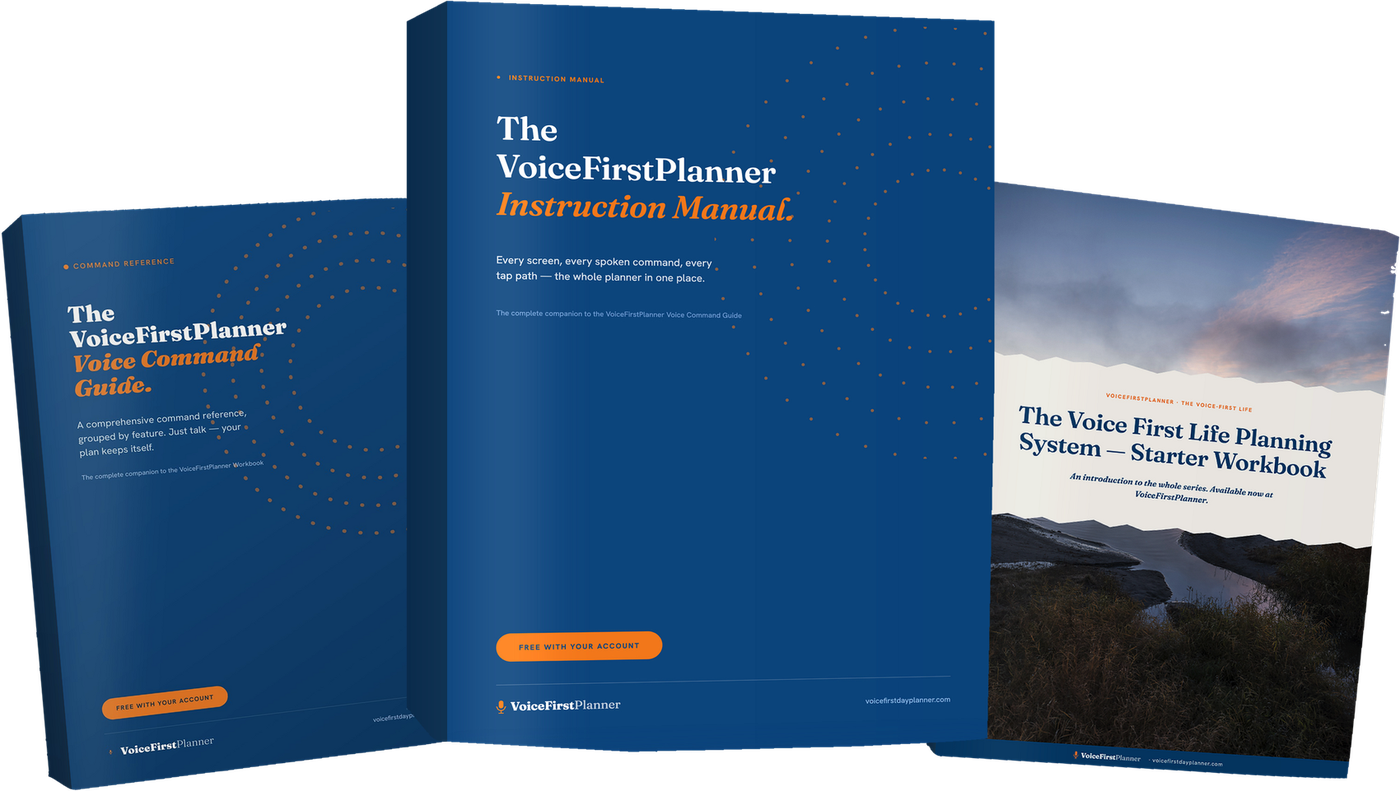
The VoiceFirstPlanner Instruction Manual, The VoiceFirstPlanner Voice Command Guide and The Voice First Life Planning System — Starter Workbook.
$19.98 for the Starter Workbook alone — all three free when you create your free account.

I ran companies for years. Every one of them had good systems and they ran the business beautifully. Not one of them did a thing for me.
I planned my own life on two pages for fifteen years, then spent twenty trying to replace it. Eventually I got tired of waiting for someone else to build this.
— Dave Rees, Founder. More about why →
One planner for the day, the week and the life: daily planning, the week ahead, your calendar, brain dump, voice notes, shopping, budget, habits, goals, personal values and your bucket list.
Free forever. No card, no clock, nothing to install.
“I like it, it actually understands me!”— Anthony
Or open the demo first — the whole app, no account, nothing saved →
A daily planner app you talk to. You say the task, appointment, note or shopping item and it files itself — dated, prioritized and in the right place.
VoiceFirstPlanner is free to start, with no card and no clock: a working planner with limits, not a trial. Premium takes every limit off.
No. It runs in any browser on iPad, phone, tablet, laptop and desktop. Add it to your Home Screen and it opens in one tap.
Yes. Work’s calendar comes in by file and you tick what enters — one-way, so nothing you do here ever changes your work calendar.