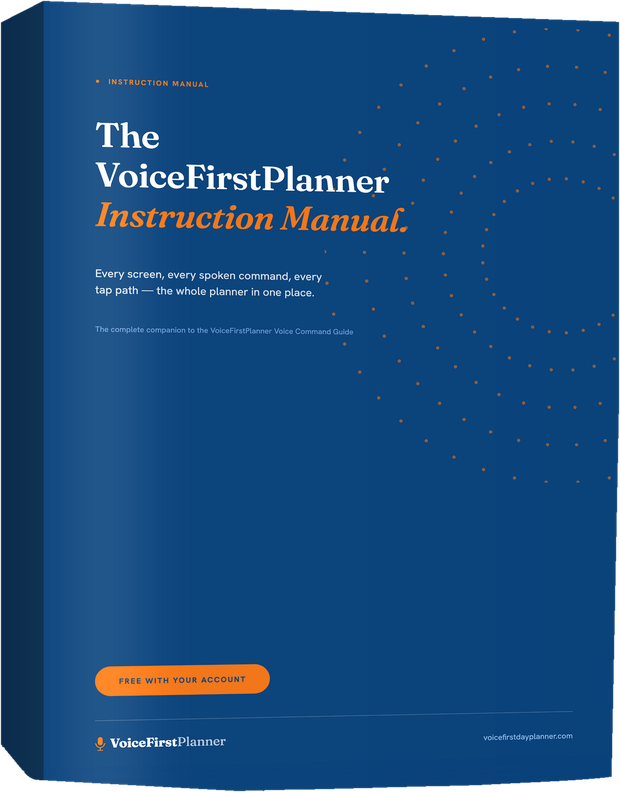
Most apps hand you a help center. This is a book.
A search box only helps when you already know what to ask for. This is the other thing — the whole planner laid out in order, so you can read a chapter once and simply know what the app does, without hunting.
Every screen has its page. Every page shows the screen as you’ll actually see it, tells you what to say to it, and gives the tap path if your hands are free and your voice isn’t. What happens is written under every command, so nothing surprises you.
And it was written against the live app, screen by screen. If it says the planner does something, the planner does it.
Twelve chapters. Sixty-five pages. Everything.
- A · Set Up and Personalize Your Planner — seven steps from a new account to a planner that looks and sounds like you.
- B · Plan Your Day by Voice — one page holds your whole day. This walks it top to bottom, then gives you the words that fill it.
- C · Your Calendar and Appointments — anything with a time lives here. Say it, then tap it to move it, rebook it, or let it go.
- D · Life Planning — values, goals, habits, bucket list and reflection: name what matters, then let every ordinary day answer to it.
- E · The AI Brain-Dump — say everything at once, in whatever order it comes out. It comes back sorted, for you to approve. (Pro)
- F · The Week, the Month and the Year — three ways to stand back from today: what’s coming, what shape the month has, where the year is busy.
- G · Projects, Notes, the Shopping List and the Budget — the places for the things that are not a task and not an appointment, and what is left in each envelope this week.
- H · Settings and Your Library — who you are, how the planner looks, how it’s laid out, and the books that came with your account.
- I · Your Calendar — In and Out — one download hands every appointment to the calendar you already use.
- J · On Every Screen — one account. Sign in on any browser and today is already open — nothing to install, nothing to copy across by hand.
- K · The Planner View — the open two-page spread you’ve kept for decades, and this one fills itself in.
- L · Find Anything — one search across the whole planner.
Then the appendix: The pop-ups at a glance — every dialog in the planner on one page, and the promise that every one of them closes without touching your plan.
A screenshot, the words to say, and what happens next.
Every numbered section in the manual runs the same way, so you never have to learn the book — only the planner:
- The screen — the actual app, cropped to the part that matters.
- What it does — plain language, no jargon, no hedging.
- What to say — the spoken command, written exactly as the planner likes to hear it.
- What happens — one line telling you where it lands, so you can trust it before you try it.
- And the plan it belongs to — free, Premium or Pro, marked on every section, so nothing is a surprise at the moment you reach for it.
Sixty-five pages, one PDF.
Free with your account · PDF
The complete Instruction Manual — twelve chapters and the pop-ups appendix, laid out to print or to read on the screen you’re planning on. Free when you create your account, and we’ll email it to you.
All your books are in your account settings, ready to download wherever you are.
Look inside
Chapter B, Plan Your Day by Voice: pages 8 to 15 of 65.
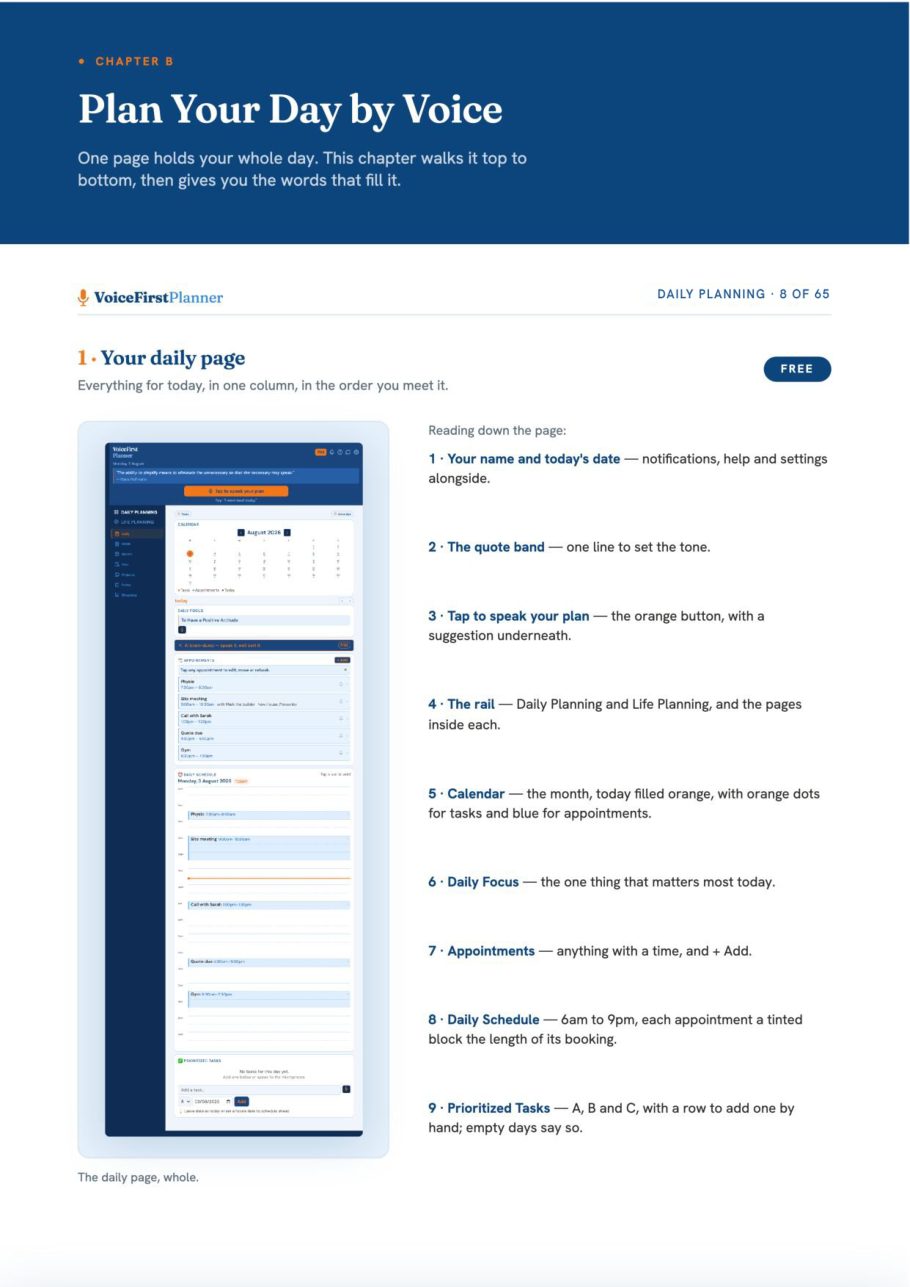
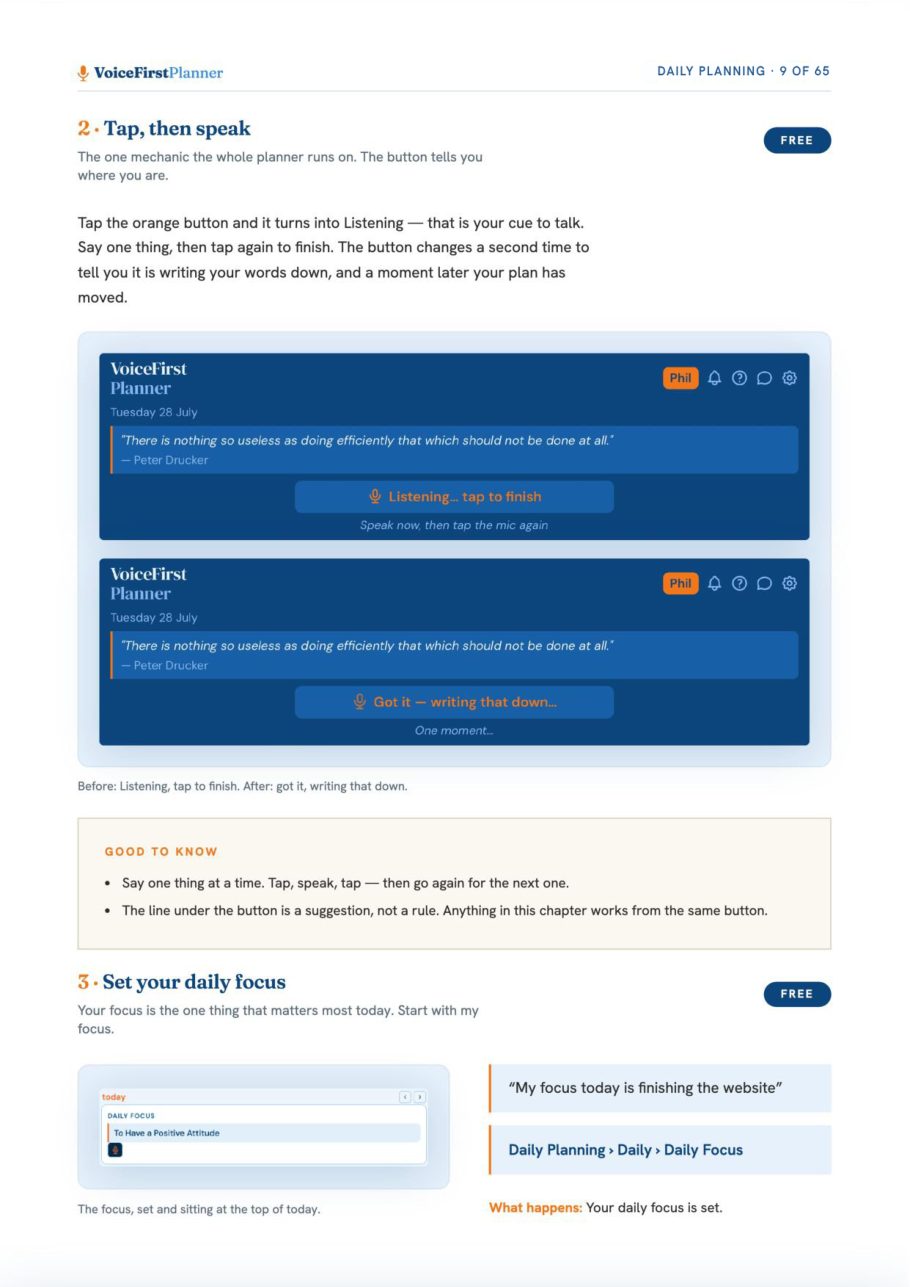
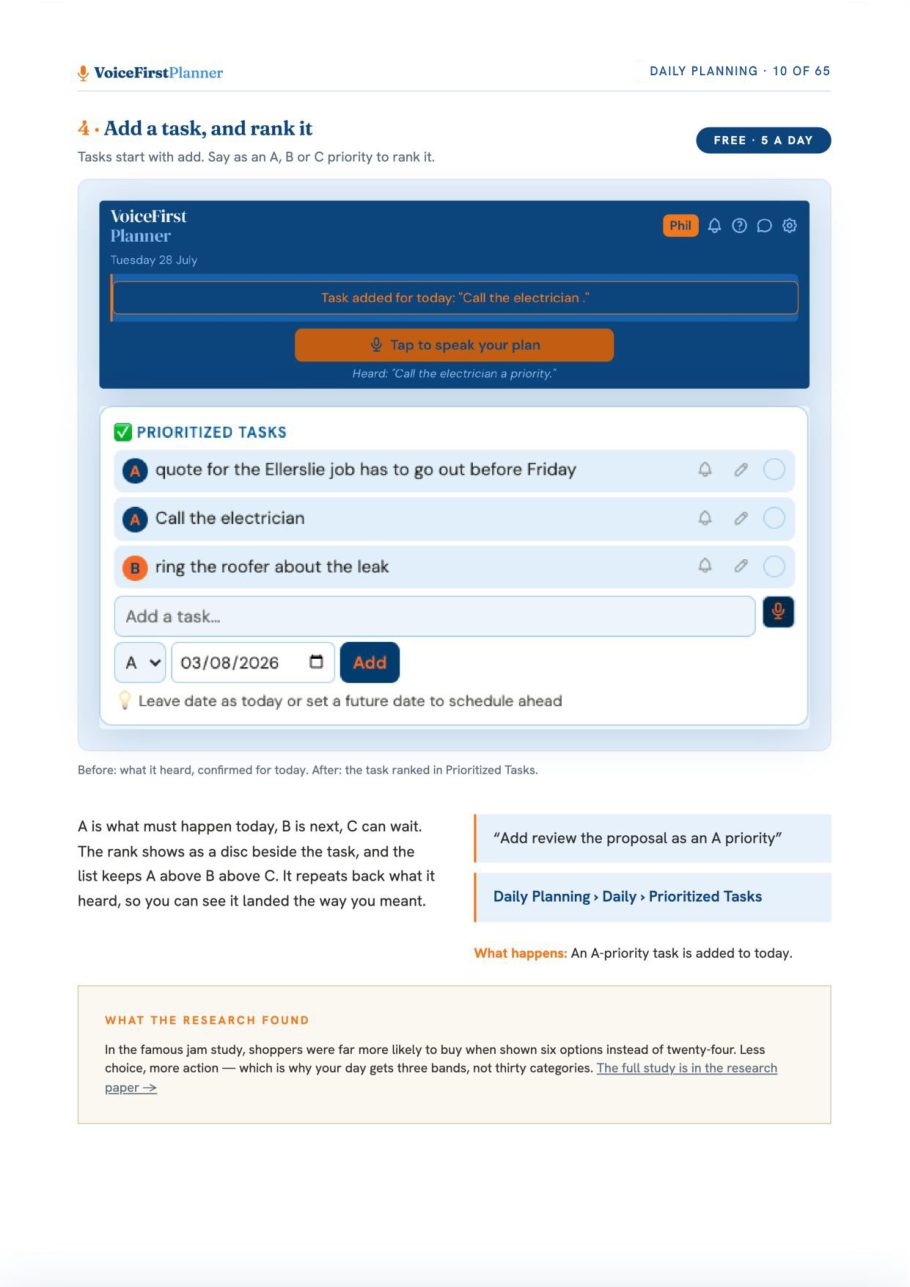
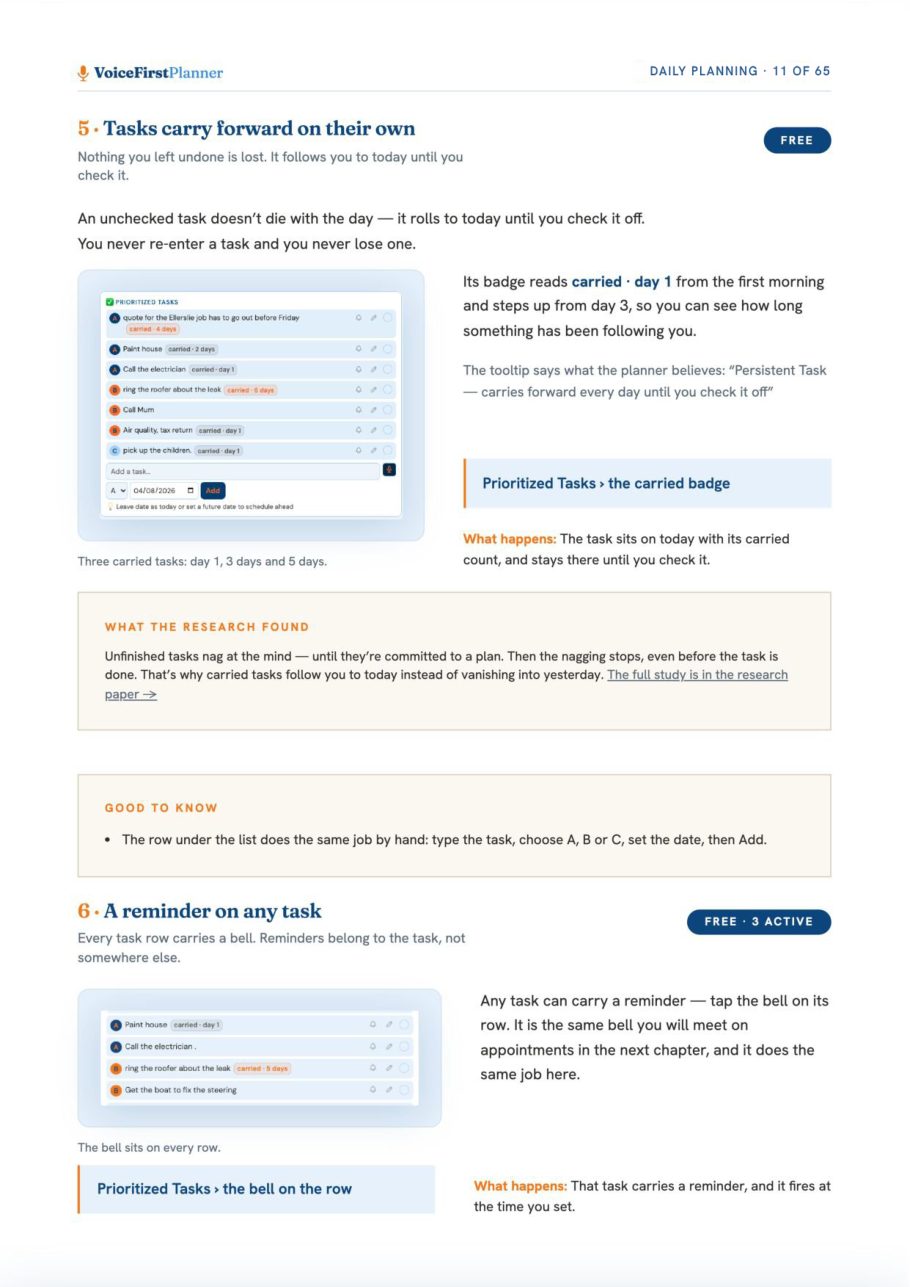
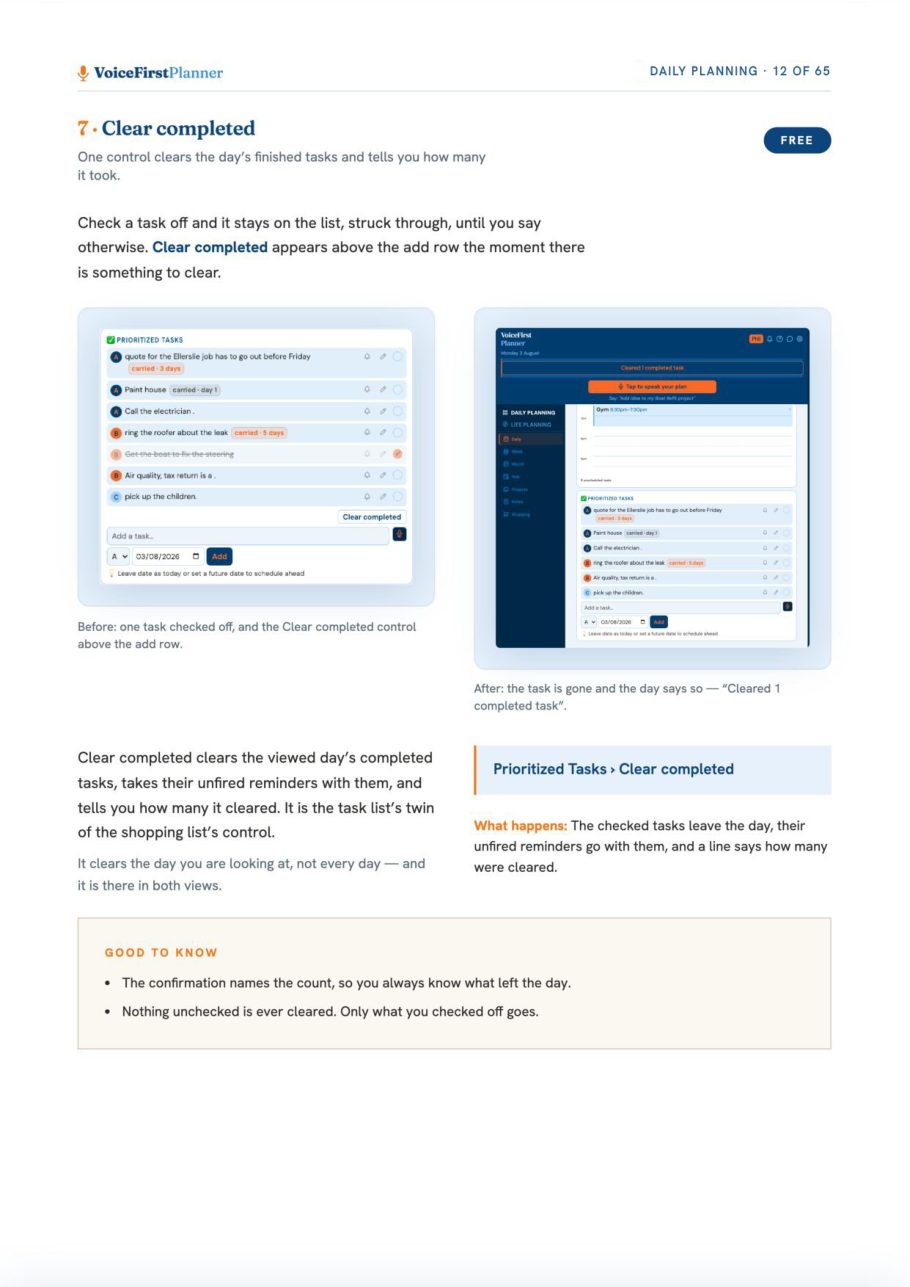
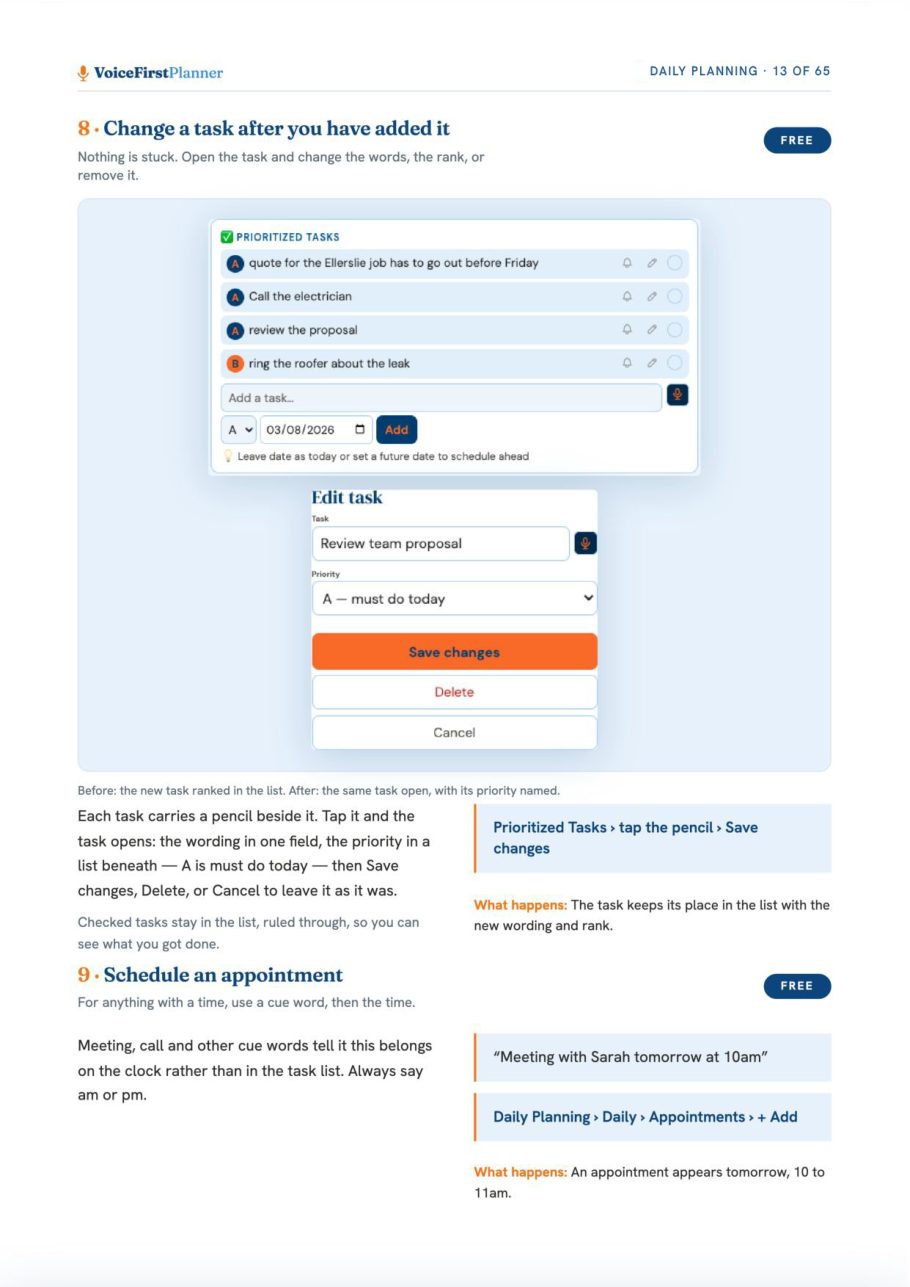
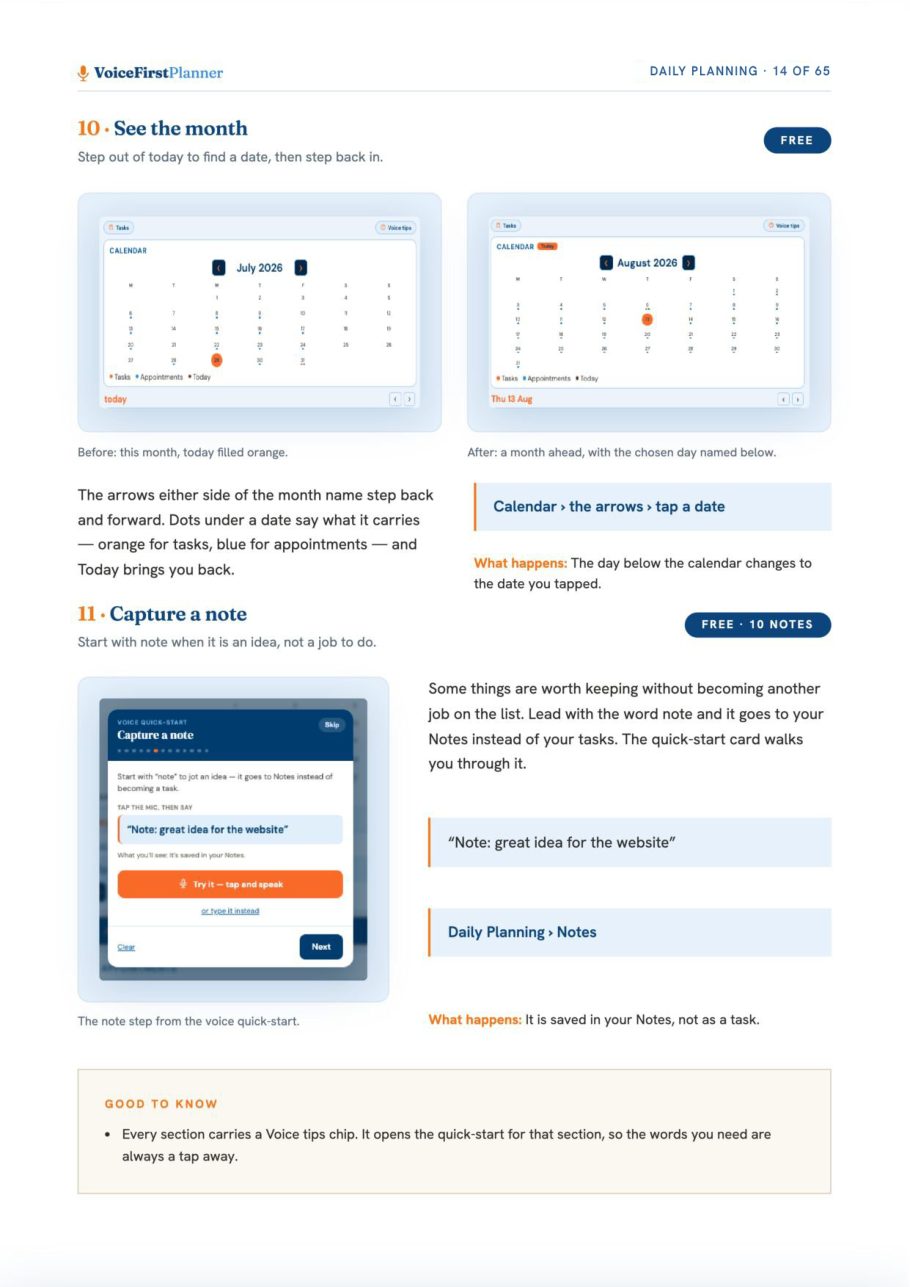
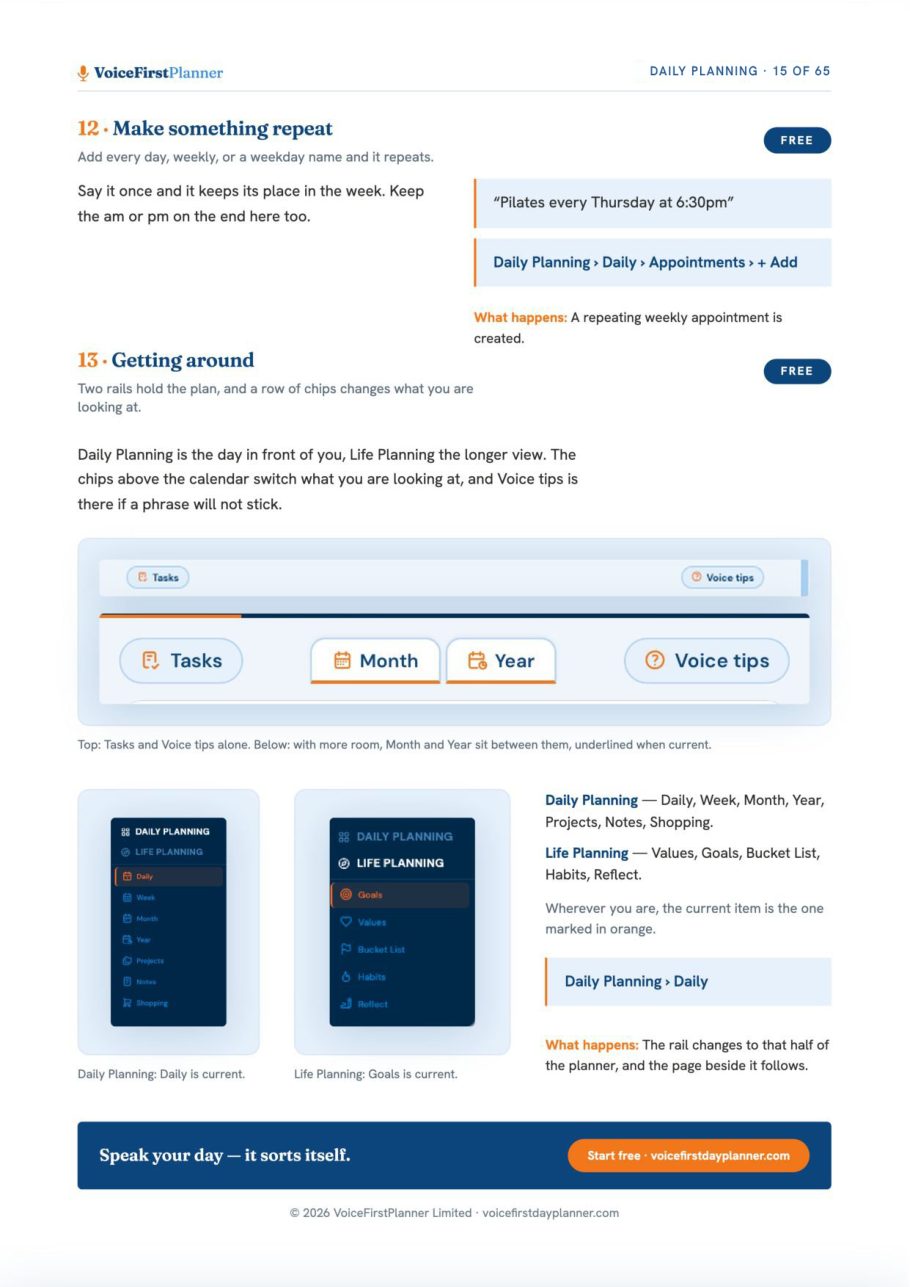
Tap a page to see it full size
The whole book is in Your Library, in the planner’s Settings, as soon as you have a free account.
Get your free account →Read one chapter. Then go and use it.
- Get the book. Create a free account and we’ll email you the manual, the Voice Command Guide and The Voice First Life Planning System — Starter Workbook — all three.
- Start with Chapter B. Plan Your Day by Voice is the one that changes your first morning. The rest can wait until you want it.
- Keep it beside you. When you wonder whether the planner can do something, it’s a chapter, not a search.
Want the commands on their own? See the Voice Command Guide.
The books
Three books. All free with your account.
The VoiceFirstPlanner Instruction Manual, The VoiceFirstPlanner Voice Command Guide and The Voice First Life Planning System — Starter Workbook.
$19.98 for the Starter Workbook alone — all three free when you create your free account.

Not sure where to go next?
Start here: eleven reasons on one page →