Add a day to a task and it lands on that day. “Add book the dentist tomorrow.” “Add renew the car registration in three days.” “Add send the invoice next week.”
It reads natural dates: tomorrow, next week, in three days, in two weeks, on Friday, next Friday, on the 15th, June 30, or the 11th of June.
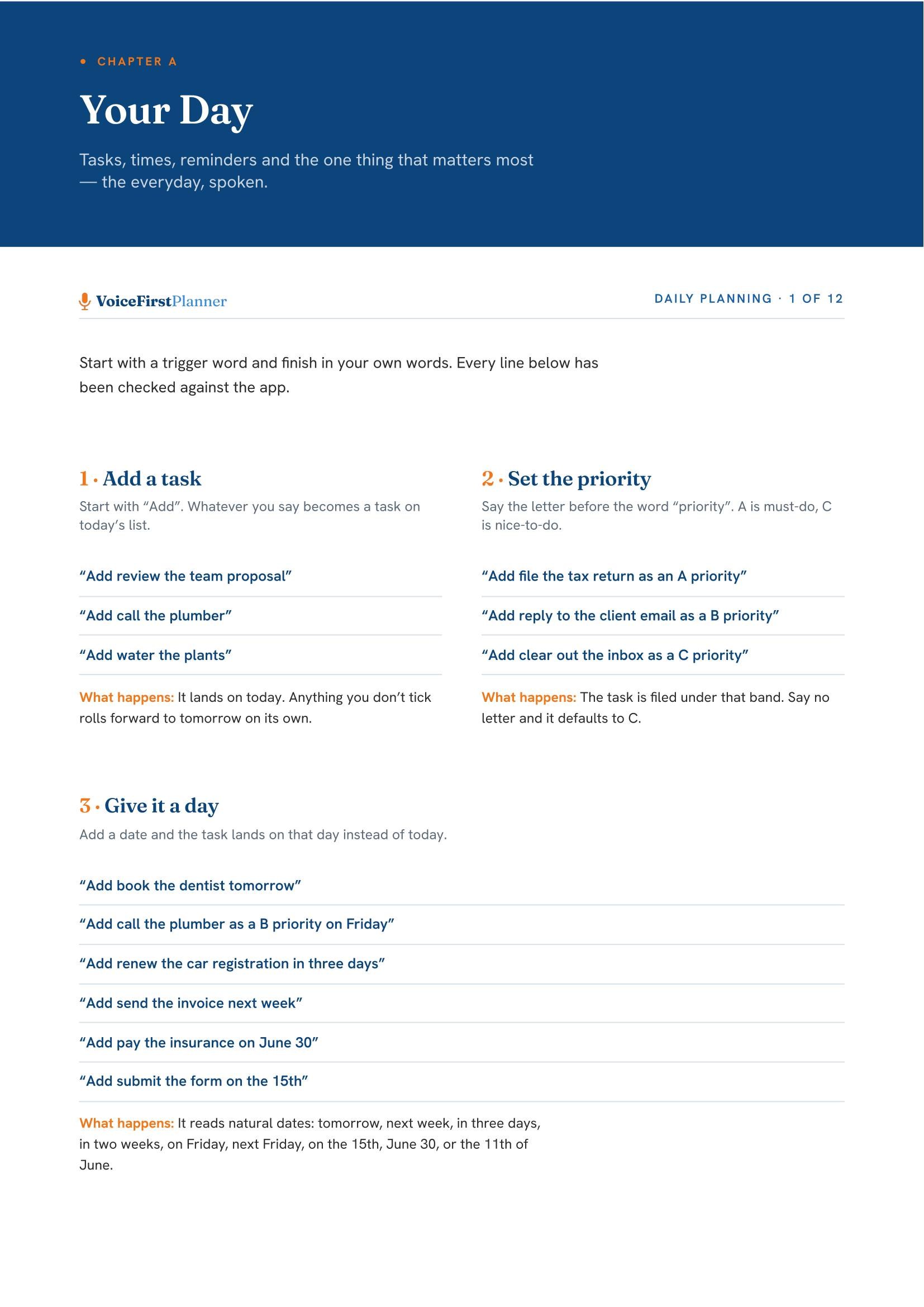
The same page covers adding a task and setting its priority.
The whole Voice Command Guide is in Your Library, in the planner’s Settings, as soon as you have a free account.
Not sure where to go next?
Start here: eleven reasons on one page →
HomeThe voice-first personal day planner, from the beginning.Open Home →Daily PlanningFocus, tasks and appointments — the whole day on one page.Open Daily Planning →Life PlanningAll five parts, and how they connect.Open Life Planning →ShopThe workbooks, the books and the research paper.Open Shop →PricingFree to start. Every plan, side by side.Open Pricing →Earn25% recurring, rising to 40%.Open Earn →