A few of the right words change everything.
The planner listens for ordinary language, but like any tool it has phrasings it knows best. “Add milk and eggs to my shopping list.” “Remind me to call Mum at 5pm.” “Pilates every Thursday at 6:30pm.” Said that way, it lands first time.
This is the book that shows you those words — grouped by the feature you are using, so you find the one you want and say it.
And every line in it has been run against the live app. Under each command sits What happens — where it lands, in one line — so you can trust it before you try it.
Five chapters. Every command the planner knows.
- A · Your Day — tasks, priorities, dates, appointments, durations, repeats, reminders and the one thing that matters most today.
- B · Projects, Notes and Shopping — a job with parts, a thought worth keeping, and the list you take to the shop.
- C · Find Anything — one search field on every screen, and it listens. Say “find the roofer” and it opens with the results already there.
- D · Life Planning — values, roles, goals, bucket list, habits and reflection: the big picture, spoken.
- E · Pro and the AI Layer — say everything at once, or ask for a plan, and approve what comes back before any of it lands. (Pro)
Then two pages at the back: What you get on each plan — free, Premium, Pro and Lifetime, side by side — and a page from the founder about why it was built this way.
The command, and what happens when you say it.
Every section in the guide runs the same way, so you never have to learn the book — only the planner:
- The command — written exactly the way the planner likes to hear it, with two or three ways of saying the same thing.
- What happens — one line telling you where it lands, so nothing is a surprise.
- Good to know — the small thing that saves you a second go: the word that has to be in there, the phrasing that means something else, the limit you will meet on the free plan.
- And a PRO badge where a command needs Pro — nowhere else. Everything without one is part of the planner.
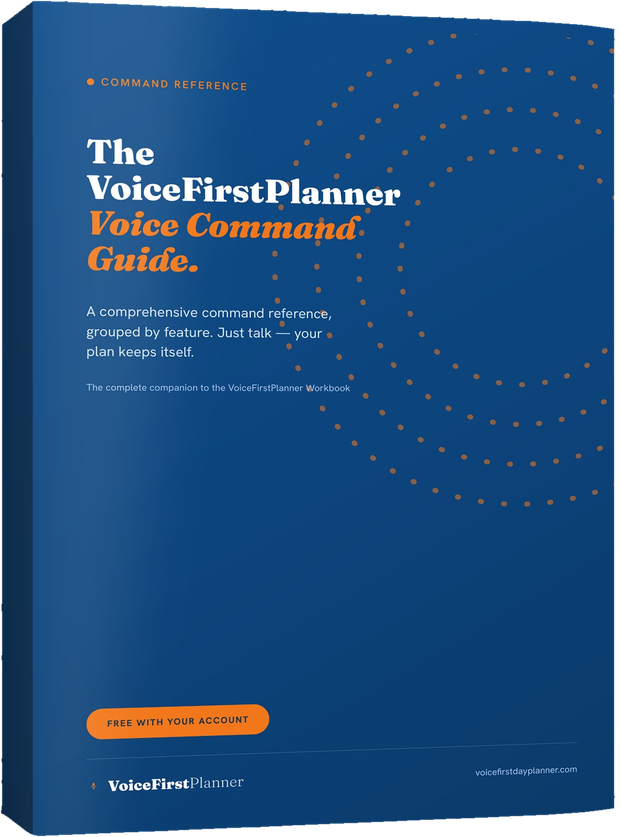
The whole reference, one PDF.
Free with your account · PDF
The complete Voice Command Guide — five chapters, the plans page and a page from the founder, laid out to print or to read on the screen you are planning on. Free when you create your account, and we’ll email it to you — along with the Instruction Manual and The Voice First Life Planning System — Starter Workbook.
All your books are in your account settings, ready to download wherever you are.
Find the feature. Copy a line. Say it.
- Get the guide. Create a free account and we’ll email you all three books.
- Start with Chapter A. Your Day is the one that changes your first morning. The rest can wait until you want it.
- Keep it beside you. When you wonder how to say something, it is a chapter, not a guess.
Want the whole planner explained screen by screen? See the Instruction Manual.
The books
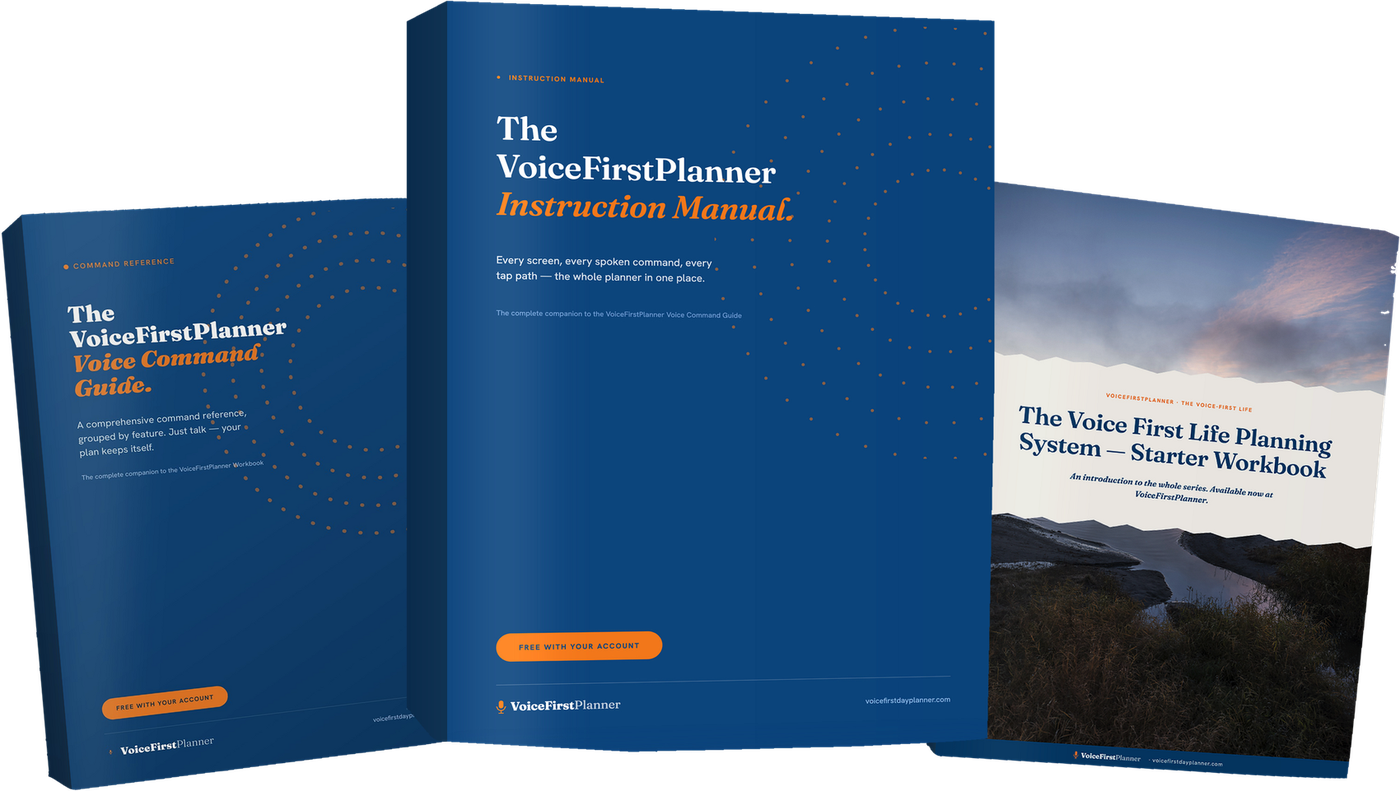
Three books. All free with your account.
The VoiceFirstPlanner Instruction Manual, The VoiceFirstPlanner Voice Command Guide and The Voice First Life Planning System — Starter Workbook.
$19.98 for the Starter Workbook alone — all three free when you create your free account.