Planner season starts in September, and the 2027 planners are already on the shelves. This is a comparison of five daily planners — three on paper, two on screens — with what each one costs and what kind of day it suits.
Every price and feature here was read from the maker’s own website on 22 September 2026. Prices move, and stock moves faster; check before you buy.
One disclosure up front: the last one is ours. It is marked, and it is described the same way as the others.
What makes a good daily planner
Before the list, the test. A daily planner earns its place when it does five things:
- Holds one focus for the day, not twenty equal items
- Keeps a short list in priority order
- Shows the fixed times — the appointments that will not move
- Leaves room for notes, because the day arrives with them
- Carries forward what did not get done, so nothing falls off the end of the day
Paper does the first four beautifully and the fifth not at all: carrying forward means writing it again. Apps do the fifth for free, and some of them never get the first four right. That trade-off is most of what follows.
Day Designer 2027 Daily Planner — the full-page desk planner
One page per day, an hourly schedule from 5 a.m. to 9 p.m. down one side, a Top Three and a to-do list down the other, with gratitude prompts and notes space on the same page. Hardcover, gold corners, tabbed monthly calendars, goal-setting worksheets at the front.
On daydesigner.com on 22 September 2026: the 2026–27 Daily Planner is listed at $68.00, marked down to $47.60, and the Mini at $58.00. The 2027 calendar-year editions went on sale on 16 September 2026.
Who it suits: a desk, a full appointment book, and someone who plans by the hour. It is the most structured paper option here, and the largest.
Papier 2027 Daily Planner — page-a-day, personalised
365 dated spreads, one for each day, with three sections on each: schedule, to-dos and priorities. Twelve monthly spreads, grid pages at the back, hardcover, and your name on the front if you want it.
On papier.com on 22 September 2026: the 2027 Daily Planner is $40.00 in US dollars, with free personalisation. Papier’s page notes that the daily planners sell out and return with the new year.
Who it suits: someone who wants the page-a-day discipline in a book that looks like a gift, and does not need an hour-by-hour grid.
Sunsama — the guided digital planning ritual
A daily planning ritual on screen: you pull tasks in from the tools you already use, decide what actually fits in the day, and close the day at the end of it. Integrations with Asana, Todoist, Notion, Jira, Slack, Gmail, Google Calendar and Outlook, apps for iOS, Android, Mac, Windows and Linux.
Pricing, read on sunsama.com on 22 September 2026 — and the page disagrees with itself. The pricing panel says $17 per month billed yearly, or $22 per month billed monthly. The FAQ lower down the same page says $25 per month per person, $20 per month on yearly plans. Both are quoted here because both are on the live page. There is a 14-day free trial with no card required, and, in Sunsama’s own words in its pricing manifesto, no free forever plan and no lifetime deals.
Who it suits: a knowledge worker whose day is already spread across work tools, and who wants a guided ritual rather than a list.
Structured — the visual timeline
A timeline view of the day: tasks and events laid out as blocks you can see filling up, with a free tier and a paid Pro tier. It runs on iPhone, iPad, Mac, Android and the web.
Pricing on 22 September 2026: Structured does not publish a price on its website. Its own help pages say Pro pricing depends on your region and direct you to the paywall inside the app or your app store, where monthly, yearly and one-time purchase options appear. Figures quoted by third-party sites range widely, so none is repeated here.
Who it suits: someone who thinks in a timeline rather than a list, and who wants to try the free tier before deciding.
VoiceFirstPlanner — ours, and we’ll say so
A daily planner you talk to. You say the task, the appointment, the note or the thing you have run out of, and it files itself — dated, in an A/B/C priority band, on the right list. Unfinished tasks carry forward on their own. On an iPad or desktop it opens as a two-page spread, the day on the left, notes and the hour-by-hour schedule on the right. It runs in any browser with nothing to install.
Pricing on 22 September 2026: free to start, with no card — a working planner with limits, not a trial. Premium is $3.99 a month billed annually at $47.88, or $7.99 month to month, and takes every limit off. Pro is $7.42 a month billed annually at $89, or $12.99 month to month, and adds the AI layer. A Lifetime licence is $99.
Who it suits: someone whose ideas arrive while their hands are busy — driving, on a site, mid-job — and who has watched paper planners work well at the desk and badly everywhere else.
The comparison
| Planner | Format | Price on 22 Sep 2026 | Carries unfinished work forward |
|---|---|---|---|
| Day Designer 2027 Daily | Paper, page a day | $68.00, on sale $47.60; Mini $58.00 | By hand |
| Papier 2027 Daily | Paper, page a day | $40.00 | By hand |
| Sunsama | App | $17/mo yearly or $22/mo monthly — the same page also says $25/mo and $20/mo yearly | Yes |
| Structured | App | Not published on the website; regional, shown in the app | Yes |
| VoiceFirstPlanner (ours) | App, in any browser | Free to start; Premium $3.99/mo billed annually at $47.88; Pro $7.42/mo billed annually at $89; Lifetime $99 | Yes |
Paper or app for 2027?
Paper wins on the things that have never needed improving: it opens instantly, it never updates itself at the wrong moment, and writing by hand makes you decide. It loses time every week to copying yesterday’s leftovers onto today.
An app wins on the copying, the searching and the carrying. It loses if it takes longer to enter a task than to think it — which is the reason most planner apps end up abandoned by February.
So the honest answer for 2027: if your day happens at a desk, buy the paper. If your day happens while your hands are full, the planner has to be something you can talk to.
Common questions
What is the best daily planner for 2027?
It depends where your day happens. At a desk, a page-a-day paper planner like Day Designer or Papier is hard to beat. On the move, an app that captures in seconds will be used more often.
What is the best planner app?
The one you can add to in the moment a thought arrives. Look for instant capture, a short prioritized list, and unfinished work that carries forward on its own.
How much does a daily planner cost in 2027?
Paper planners in this comparison run $40 to $68. Apps run from free to about $25 a month, depending on the tier and the billing.
Is there a free daily planner app?
Yes. Structured has a free tier, and VoiceFirstPlanner is free to start with no card. Sunsama has a 14-day trial but, in its own words, no free forever plan.
Whatever you choose for 2027, the planner only works on the day you actually open it.
VoiceFirstPlanner is free to start — no card, no clock.
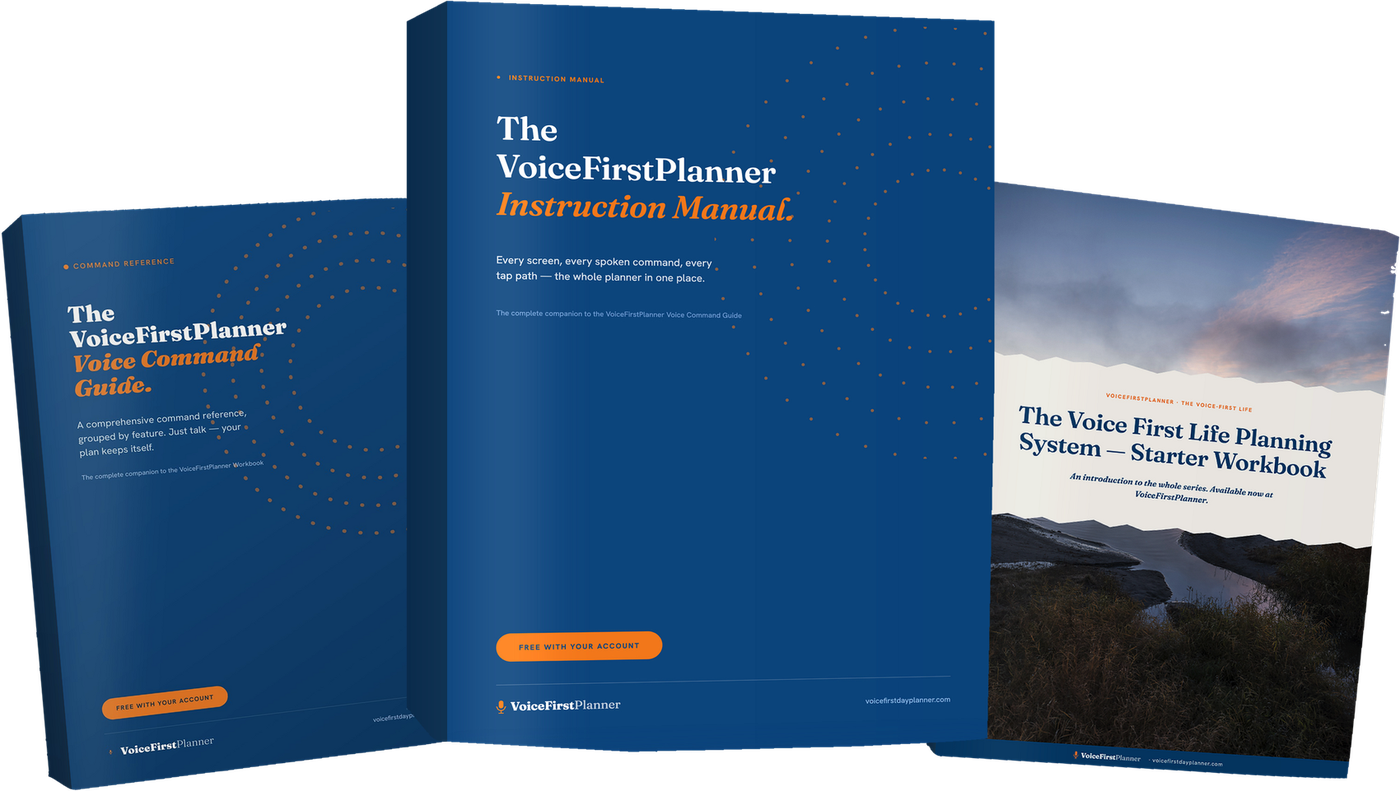
Three books. All free with your account.
The VoiceFirstPlanner Instruction Manual, The VoiceFirstPlanner Voice Command Guide and The Voice First Life Planning System — Starter Workbook.
$19.98 for the Starter Workbook alone — all three free when you create your free account.