Search for a digital planner for iPad and two different things come back under the same name. One is a file: a PDF planner you write on with an Apple Pencil, inside a note-taking app. The other is an app that is the planner itself. This is a comparison of four: a planner file, the note app it is made for, and two planner apps, with what each one costs and who it suits.
Every price and feature here was read from the maker’s own website on 3 October 2026. Prices move, and some change by country, so check before you buy.
One disclosure up front: the last one is ours. It runs in the browser on the iPad you already have, with nothing to install. It is marked, and it is described the same way as the others.
What a digital planner for iPad has to do
Before the list, the test. A digital planner earns its place on an iPad when it does five things:
- Uses the width of the screen, as a two-page spread
- Lets you write by hand with an Apple Pencil
- Is useful on the first day, before anything has been set up
- Moves what did not get done, without writing it out again
- Goes with you when the iPad stays at home
None of the four below does all five equally well. They go about them in different ways, and that is most of what follows.
Goodnotes — the notebook that planner files are written in
Goodnotes is a note-taking app, not a planner. It is on this list because planner files are made to be opened in a note app, and the file below is made for this one. You import a PDF and write on it with an Apple Pencil. Goodnotes can convert handwriting to text and search what you have written. It runs on iPad and iPhone, Mac, Windows, Android and the web.
Pricing, read on goodnotes.com on 3 October 2026: a free plan, which the pricing page limits to 3 files and a 5MB import size. Essential is $11.99 (USD) a year and Pro is $35.99 (USD) a year, each with a 7-day free trial. On Apple devices there is also a one-time purchase, whose availability varies by region.
Who it suits: someone who wants to write by hand on the iPad, and has a planner file to write on or wants to choose one.
Passion Planner Digital — the planner as a file
Passion Planner Digital is a hyperlinked PDF. It is made for Goodnotes and lists Notability, Xodo and other note apps as compatible. The 2027 Weekly & Daily bundle runs from January to December 2027, with weekly and daily layouts in one file, four colorways, 73 templates and digital stickers. Its tabs and buttons are links, so a tap takes you to the page. Its add-to-calendar links create an event or a reminder on your Apple device; the maker describes that as a manual step, not an automatic link to your calendar.
Pricing, read on passionplanner.com on 3 October 2026 with the store set to the United States: $40 for the 2027 Weekly & Daily bundle. The note-taking app is not included. Free undated samples are offered, so you can try the layouts first.
Who it suits: someone who loves the pages of a paper planner and wants to keep writing them by hand, on glass.
Artful Agenda — the paper look on a live calendar
Artful Agenda is a planner app styled on a paper agenda, with covers, handwriting-style fonts and stickers, and monthly, weekly and daily views with task lists and meal plans. It connects to Google Calendar, Apple’s iCal and Outlook, so events arrive from the calendars you already keep. It runs in a web browser and has apps for iPhone, iPad and Android. On an iPad that supports Scribble, Apple Pencil handwriting turns into text in any text field. Drawing or writing on the page itself is part of Artful Plus.
Pricing, read on artfulagenda.com on 3 October 2026: $39.99 (USD) a year, on annual plans only, with a free trial. Artful Plus is $49.99 (USD) a year and adds a habit tracker, your own stickers, custom colors and Drawing Mode on iPad and Android tablets.
Who it suits: someone who wants a planner that looks like paper and fills itself from the calendars they already use.
VoiceFirstPlanner — ours, and we’ll say so
A daily planner you talk to. On an iPad held sideways, Planner view is a two-page spread: the day on the left, notes and the hour-by-hour schedule on the right. Apple Pencil writes into any field, tasks, appointments and notes alike: anywhere you can type or speak, you can write, and the handwriting is converted to text as you go. Say a task or an appointment and it is captured, dated and filed. Anything unfinished rolls forward on its own, with nothing to rewrite. It runs in the browser, with nothing to install, and the same day is on your phone when the iPad stays at home.
Pricing on 3 October 2026: free to start, with no card. It is a working planner with limits, not a trial, and Planner view is part of the free plan. Premium is $3.99 a month billed annually at $47.88, or $7.99 month to month, and takes every limit off. Pro is $7.42 a month billed annually at $89, or $12.99 month to month, and adds the AI layer. Lifetime is Premium for life at $99 once, for the first 1,000 accounts.
Who it suits: someone who wants the paper spread on the iPad, and would rather say the day than write every line of it.
One sentence. Watch where it lands.
Shown: the brain dump, part of Pro.
Prefer YouTube? Watch it there ↗
The comparison
| Name | What it is | Price on 3 Oct 2026 | Free option |
|---|---|---|---|
| Goodnotes | A note-taking app that planner files are written in | Essential $11.99 (USD) a year; Pro $35.99 (USD) a year; a one-time purchase on Apple devices, by region | Free plan, up to 3 files; 7-day trial of Essential and Pro |
| Passion Planner Digital | A hyperlinked PDF planner, made for Goodnotes | $40 for the 2027 Weekly & Daily bundle (United States store); the note app is separate | Free undated samples |
| Artful Agenda | A planner app styled on paper, connected to your calendars | $39.99 (USD) a year; Artful Plus $49.99 (USD) a year | A free trial |
| VoiceFirstPlanner (ours) | A planner you talk to, with a two-page spread on iPad | Free to start; Premium $3.99 a month billed annually at $47.88, or $7.99 month to month; Pro $7.42 a month billed annually at $89, or $12.99 month to month; Lifetime, Premium for life, $99 once | Free to start, no card |
A file, a calendar or a voice?
A planner file is the page itself. You write it, you turn it, and it looks the way you made it. That is exactly what some people want from an iPad and a Pencil.
A planner app gives up some of that freedom for a day that fills itself. Artful Agenda fills from your calendars. VoiceFirstPlanner fills from what you say.
So the honest answer: if writing by hand is the point, start with a planner file and a note app. If your calendars already hold your life, look at the app that draws them like paper. If the thought has gone before the Pencil is in your hand, look at a planner you can talk to.
Common questions
What is the best digital planner for iPad?
The one that matches how you plan. If you want to write every page by hand, a planner file such as Passion Planner Digital in a note app such as Goodnotes. If your life is already in Google, Apple or Outlook calendars, a planner app such as Artful Agenda. If you would rather say it than write it, a planner you talk to.
What is a digital planner for iPad?
The name covers two things. One is a PDF file laid out like a paper planner, which you open in a note-taking app and write on with an Apple Pencil. The other is a planner app, where the tasks, the schedule and the notes are part of the app itself.
Do I need Goodnotes to use a digital planner on an iPad?
A planner file needs a note-taking app to open it and write on it. Passion Planner Digital is made for Goodnotes and lists other note apps as compatible. A planner app needs no note app. VoiceFirstPlanner runs in the browser, with nothing to install.
Can I use an Apple Pencil with a digital planner?
Yes, with all four here, in different ways. A planner file in Goodnotes is written on directly. Artful Agenda converts Pencil handwriting to text in its text fields on an iPad that supports Scribble, and Artful Plus adds drawing on the page. In VoiceFirstPlanner, Apple Pencil writes into any field you can type in, and the handwriting is converted to text as you go.
Whichever you choose for 2027, choose the one you will still be opening in March.
VoiceFirstPlanner is free to start — no card, no clock.
Three books. All free with your account.
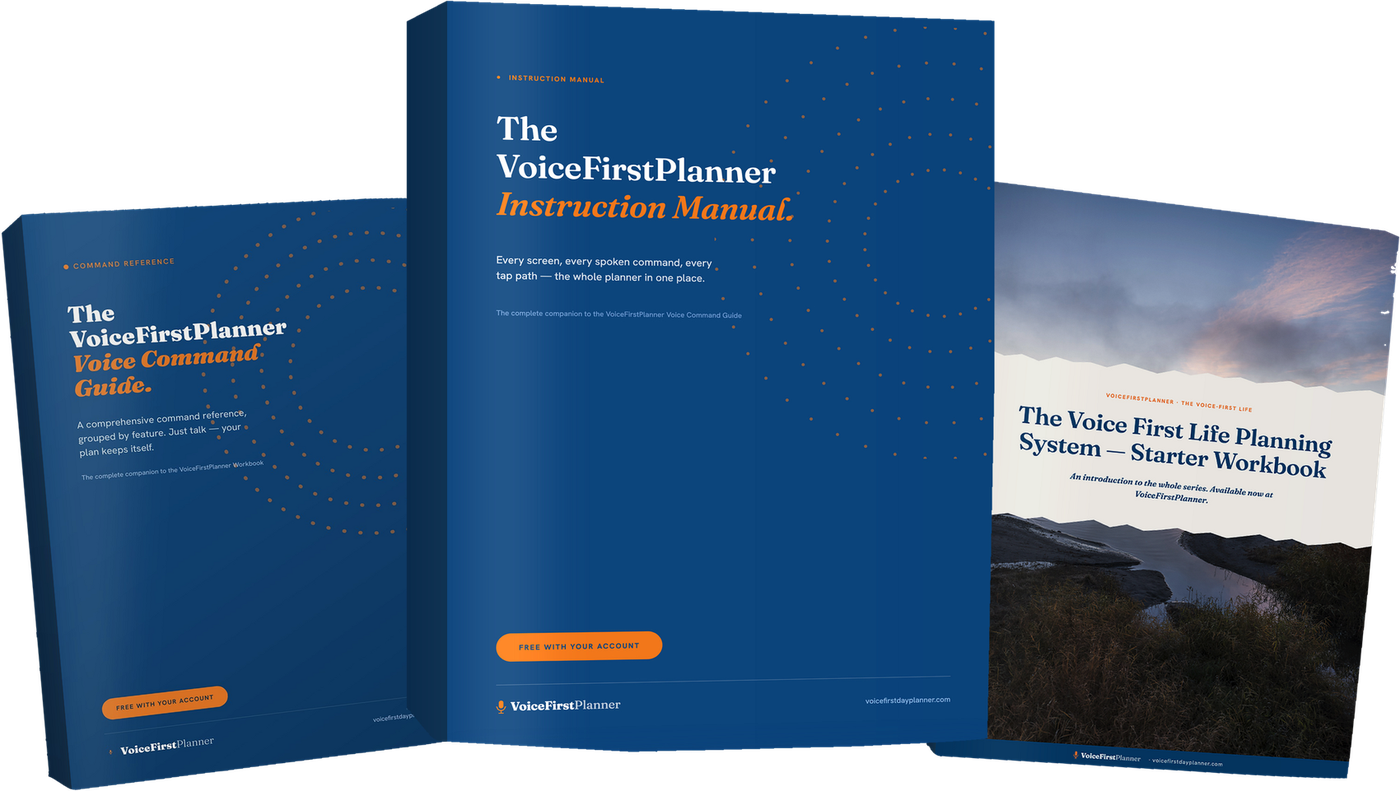
The VoiceFirstPlanner Instruction Manual, The VoiceFirstPlanner Voice Command Guide and The Voice First Life Planning System — Starter Workbook.
$19.98 for the Starter Workbook alone — all three free when you create your free account.