On an iPad or a desktop, one switch turns the planner into the open two-page spread you’d know from paper: the working day on the left, with your focus, the prioritized tasks and the schedule down the hour, and Daily Notes on the right.
Nothing is re-entered. It’s the same account, the same day and the same voice button, laid out as a book. On a phone the switch isn’t there at all, because the spread needs the width. Free on every plan.
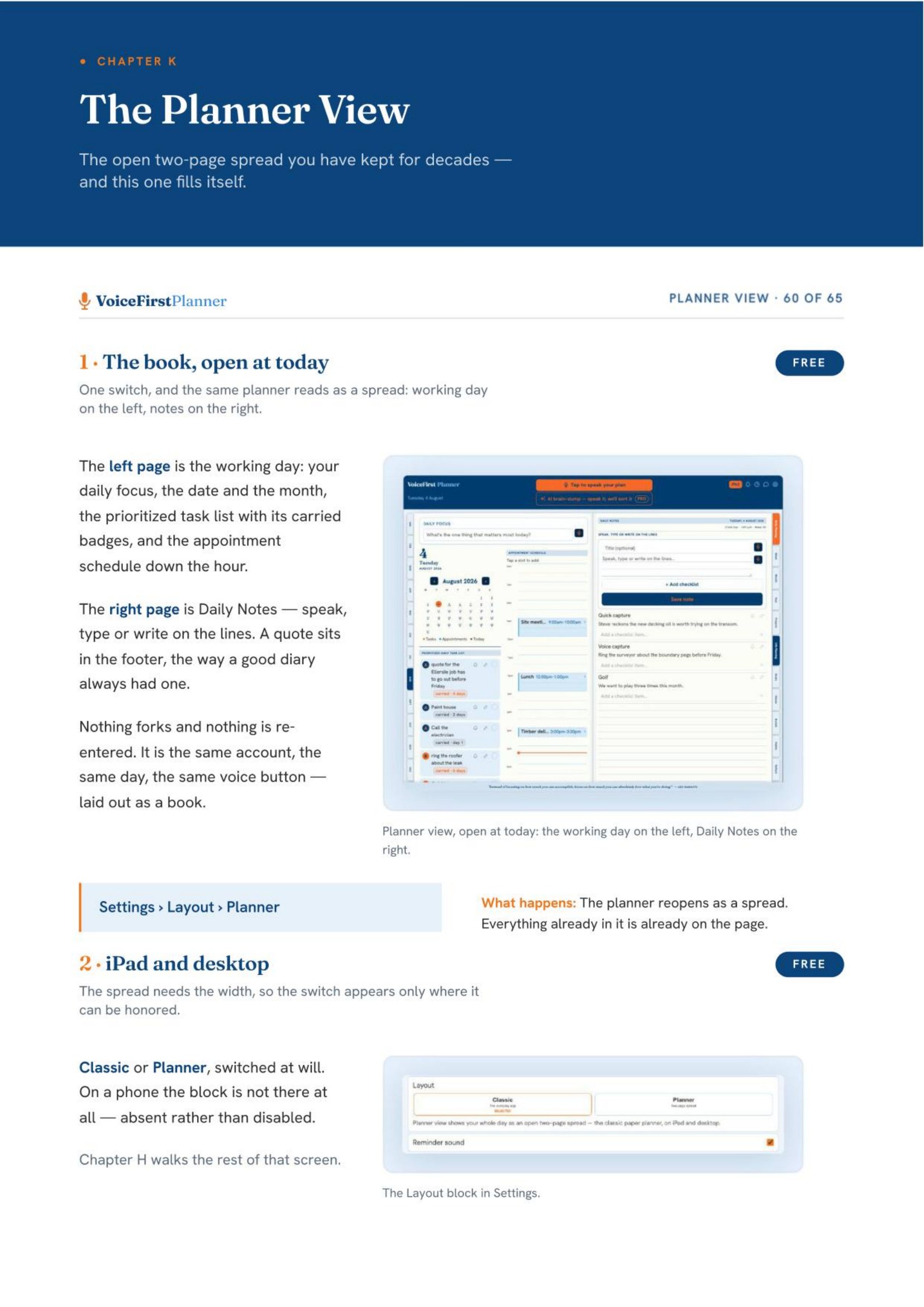
This is page 60 of the Instruction Manual, the start of the Planner View chapter.
The whole Instruction Manual is in Your Library, in the planner’s Settings, as soon as you have a free account.
Not sure where to go next?
Start here: eleven reasons on one page →
HomeThe voice-first personal day planner, from the beginning.Open Home →Daily PlanningFocus, tasks and appointments — the whole day on one page.Open Daily Planning →Life PlanningAll five parts, and how they connect.Open Life Planning →ShopThe workbooks, the books and the research paper.Open Shop →PricingFree to start. Every plan, side by side.Open Pricing →Earn25% recurring, rising to 40%.Open Earn →